
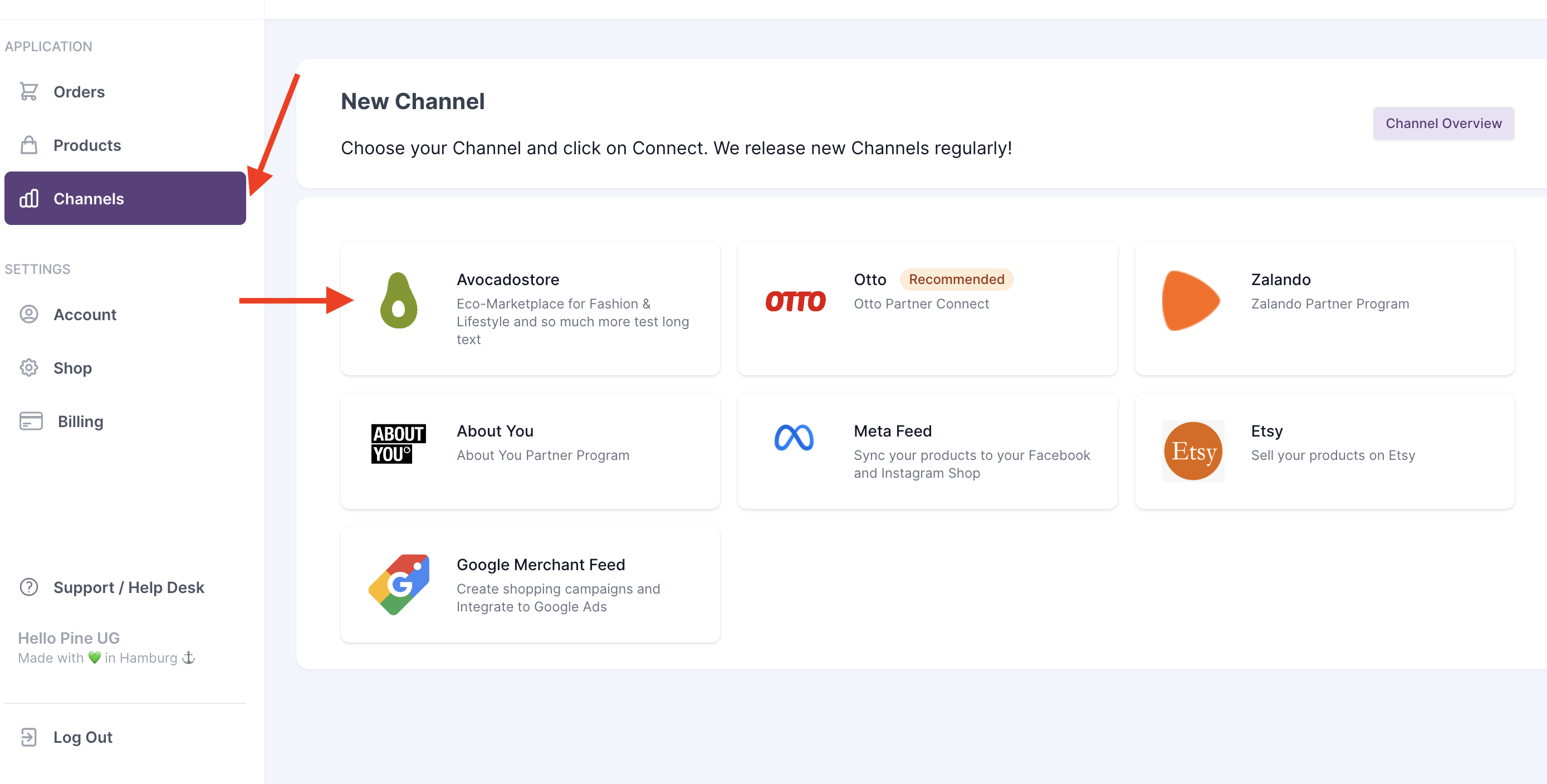
1. Login
Start by selecting channels and Avocadostore:
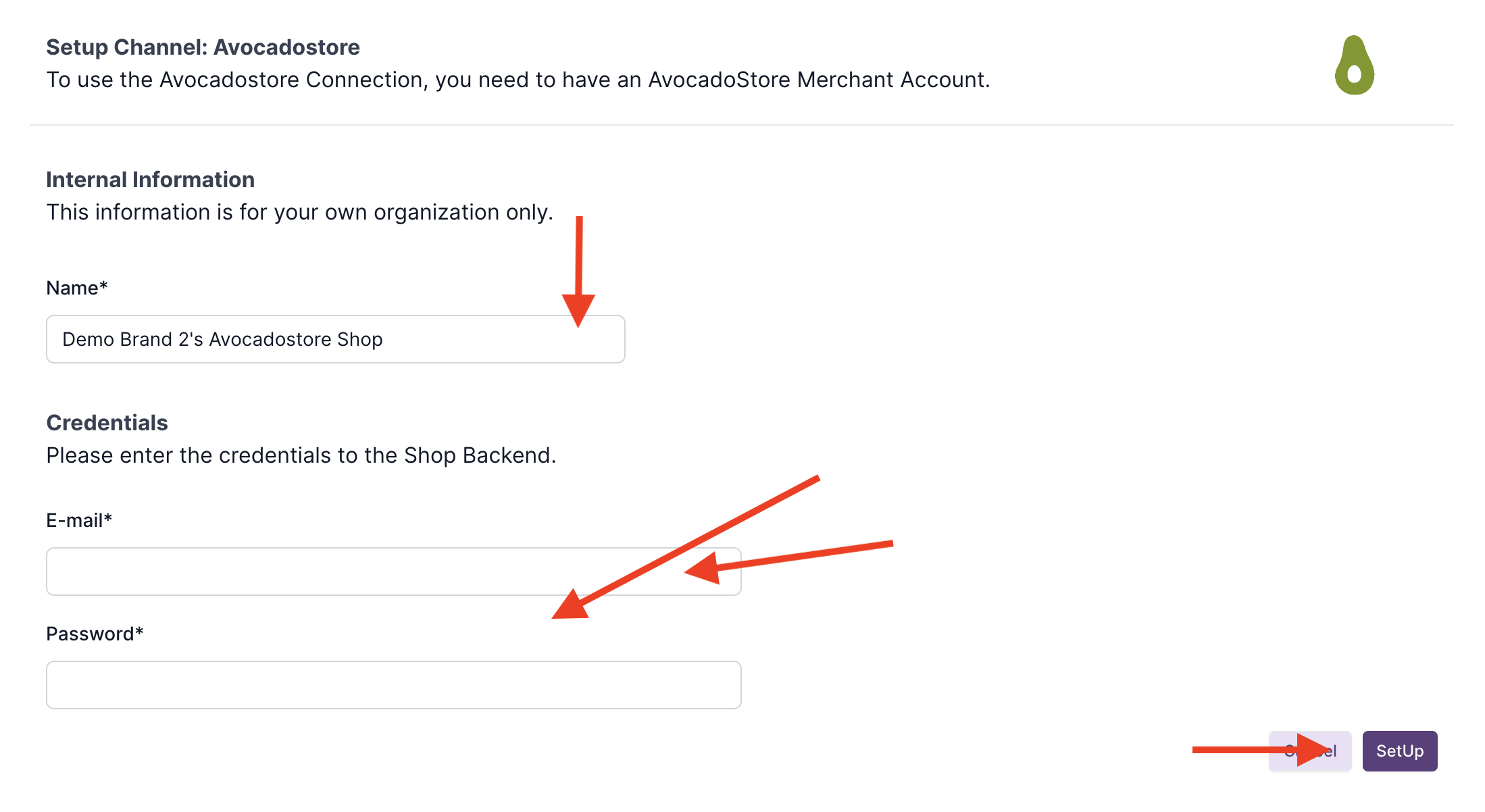
Now you log in with your Avocadostore credentials:
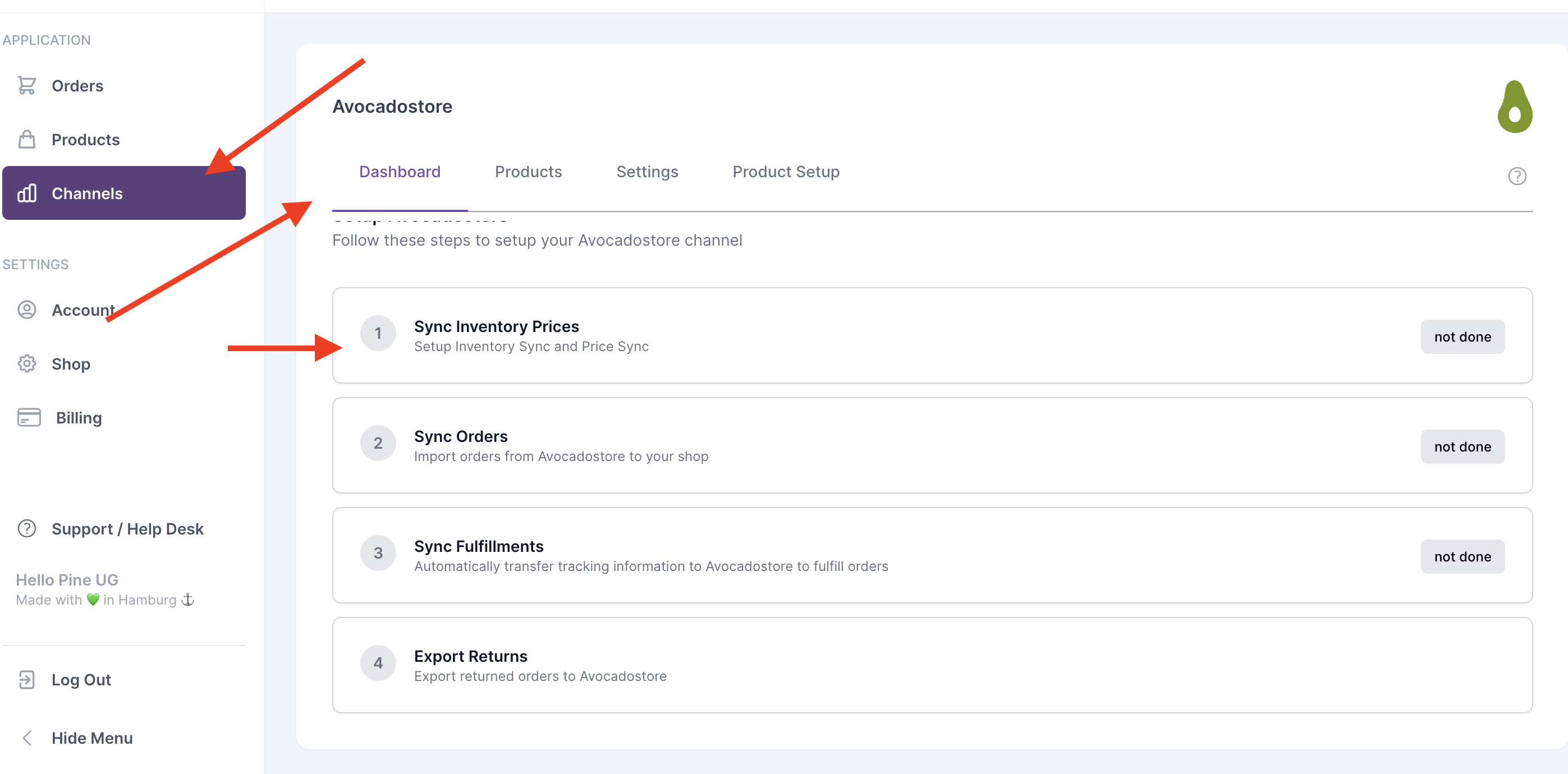
2. Set up order, product and stock sync
Go to channel settings.
2.1 Price and stock sync
Avocadostore allows automatic update of stock levels and prices every 15 minutes.
The setup is very simple:
Open the Channel Dashboard (Channels -> Avocadostore), open Step 1 “Synch Inventory Prices”
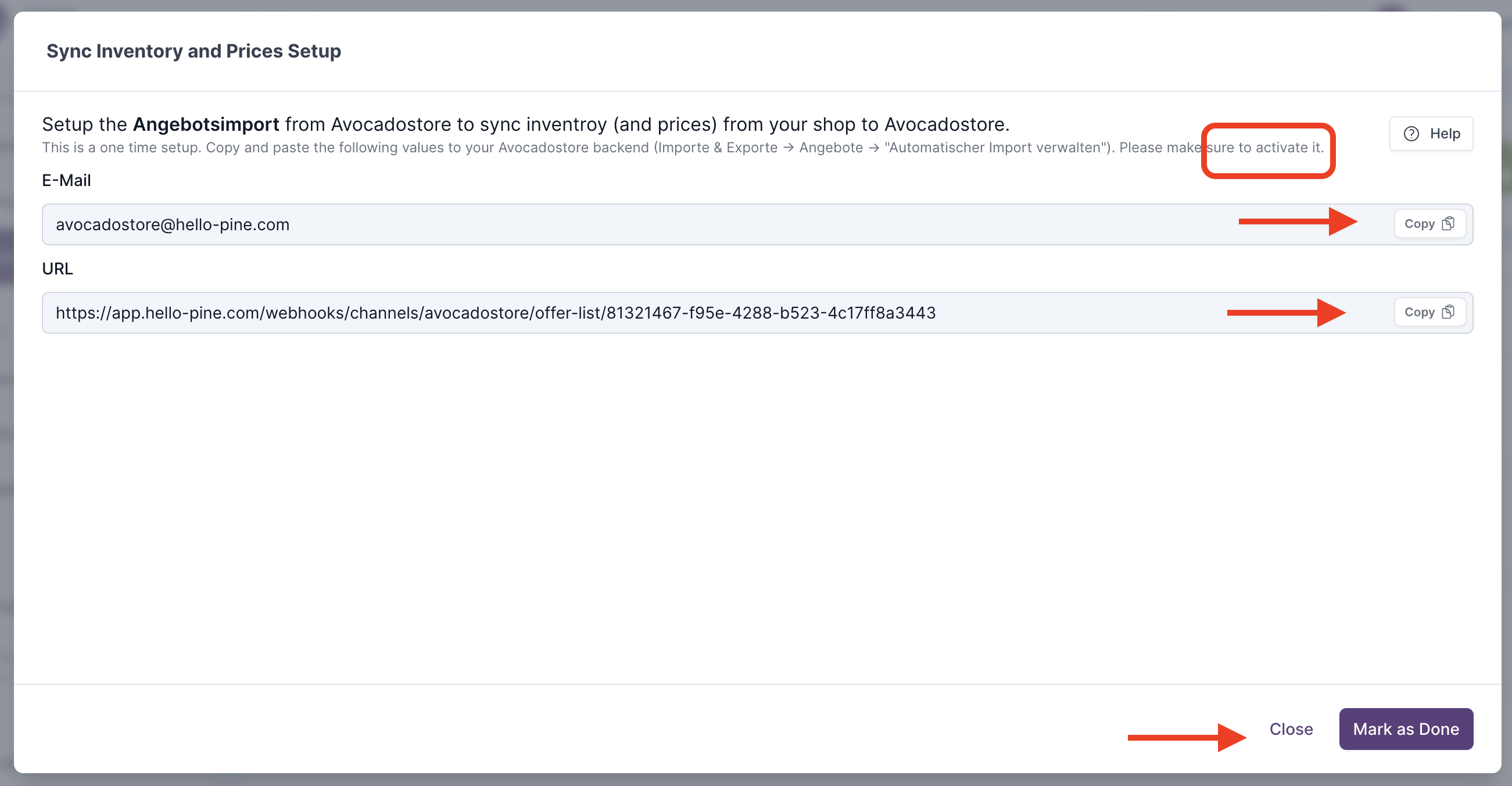
In AvocadoStore go to Importe -> Angebote -> Schritt 5 -> Automatischen Import verwalten

Copy the URL and the email address from Hello Pine into the input fields in the Avocadostore. Set the import times to "alle 15 Minuten" and confirm the entry with the "Import Aktualisieren" button.

Activate the Import by clicking on “Import Aktivieren”. The status of the import is then set to "aktiviert".

If you have not conducted a product export and have not uploaded an Avocadostore list, please make sure that the SKUs from your store match the SKUs in Avocadostore.
2.2 Order Sync
Open your channel dashboard (Channels -> Avocadostore), click on step 2 "Synch Orders"
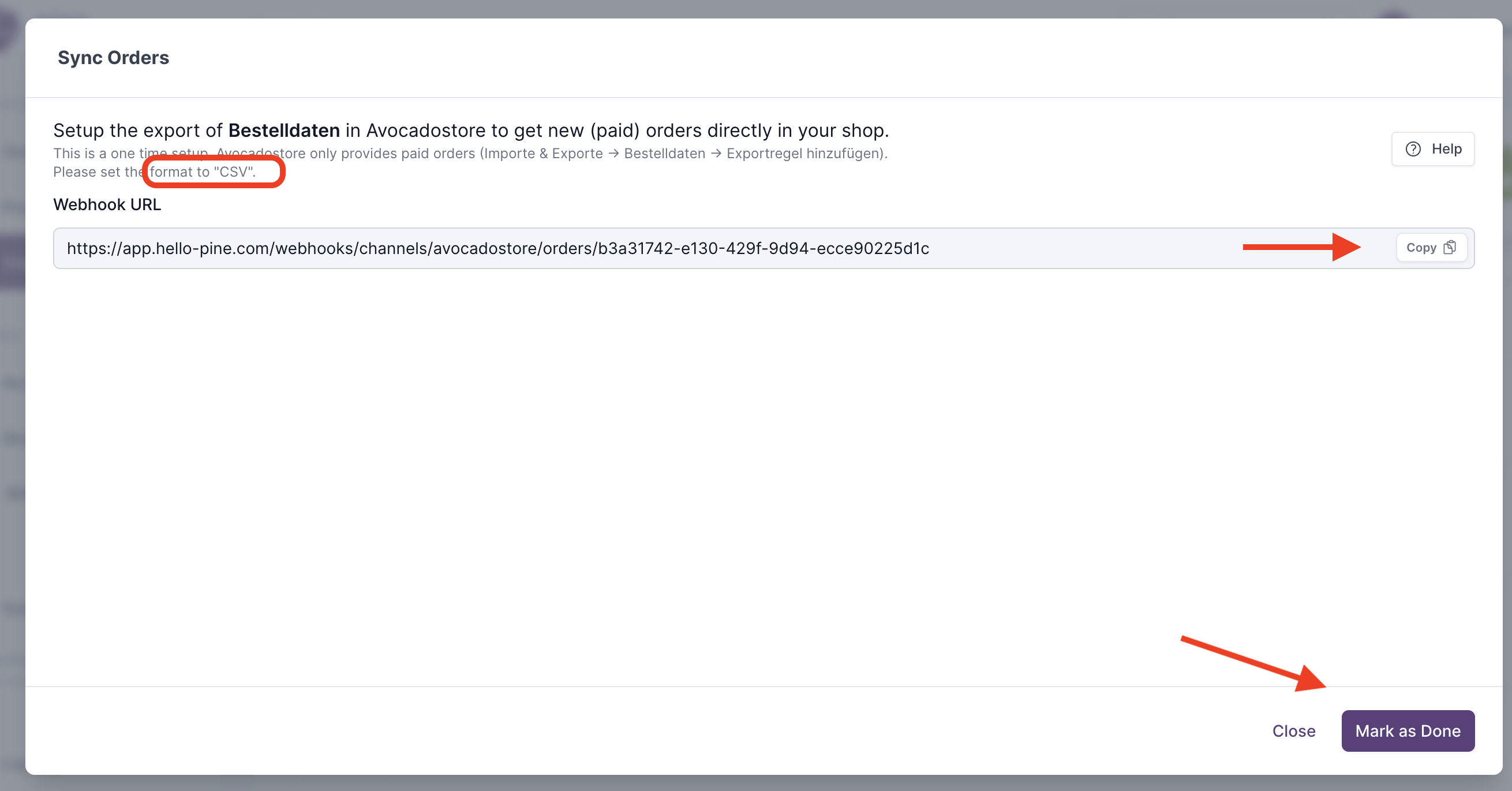
In Avocadostore, open the Shop Backend and click on Exporte -> Bestellungen -> Exportregel erstellen

Copy the URL (-> Webhook URL) into the input fields in Avocadostore. Set the format to "Bestellungen Amazon-kompatibel (CSV)", select "Alle 15 Minuten" as execution interval and set the notification method to "Web-Hook". Confirm the entry with the "Speichern" button.

The "Exportregel" should then appear in the export overview in Avocadostore.

2.3 Transfer Tracking Information
Open your channel dashboard (Channels -> Avocadostore), click on step 3 "Synch Fullfillments".
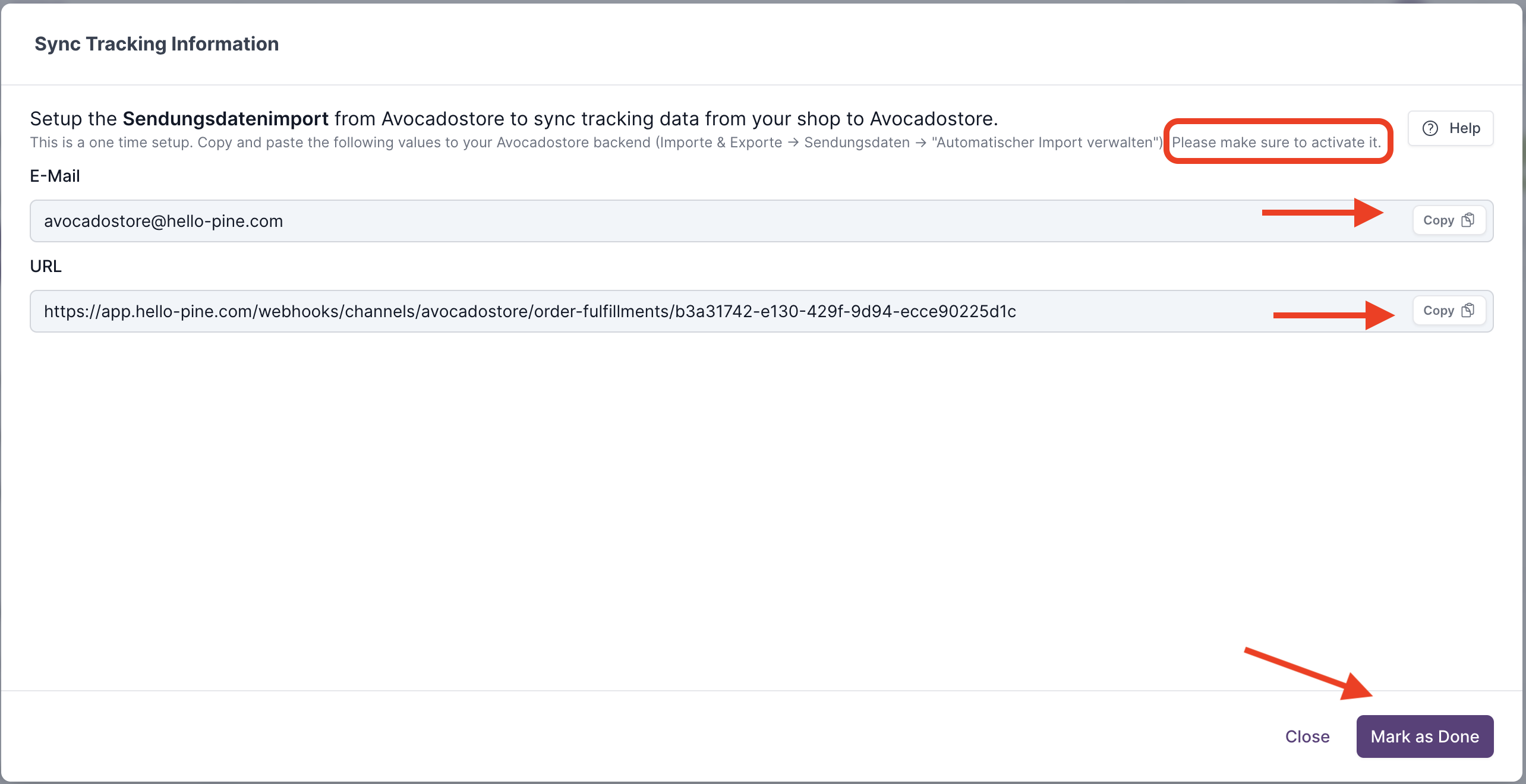
In Avocadostore, open Importe -> Sendungsdaten -> Schritt 5 “Automatisieren Sie Ihren Sendungsimport”

Copy the URL and the email address from Hello Pine into the input fields in the Avocadostore. Set the import times to "alle 15 Minuten" and confirm the entry with "Import Aktualisieren".

Activate the import by clicking on "Import Aktivieren". The status of the import is then set to "aktiviert".

Don't forget to activate product imports, how this can be done is explained here.
You are all set!
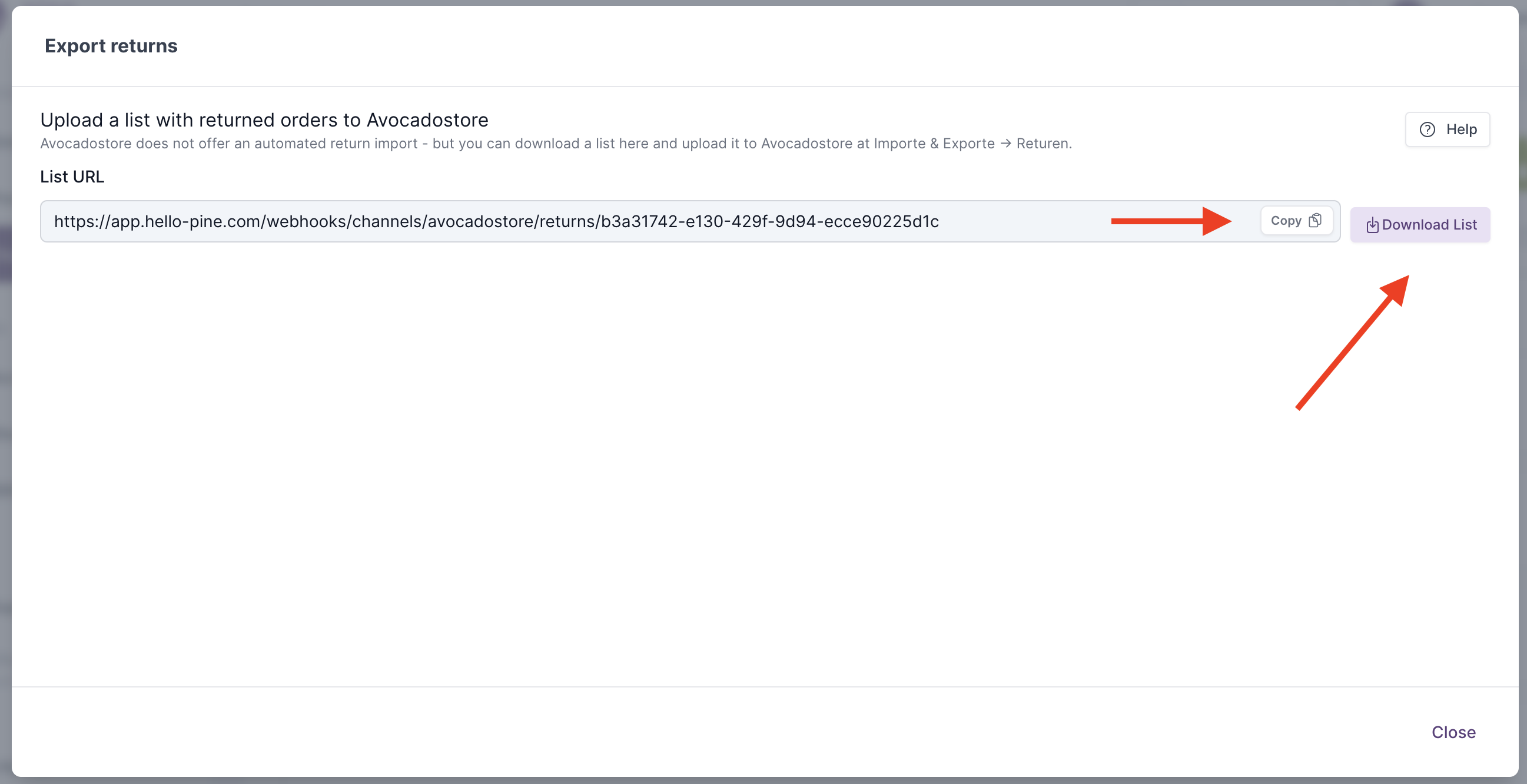
Returns can not be synched to Avocadostore automatically due to the technical infrastructure. But under "Export returns" you can download a list of all returns and upload the return information to Avocadostore.