

Usually, we recommend to select the brand form the drop down menu when setting up your products.
You can do this in "Setup Category" -> Select Category -> Product Fields or in the individual editor for single products.
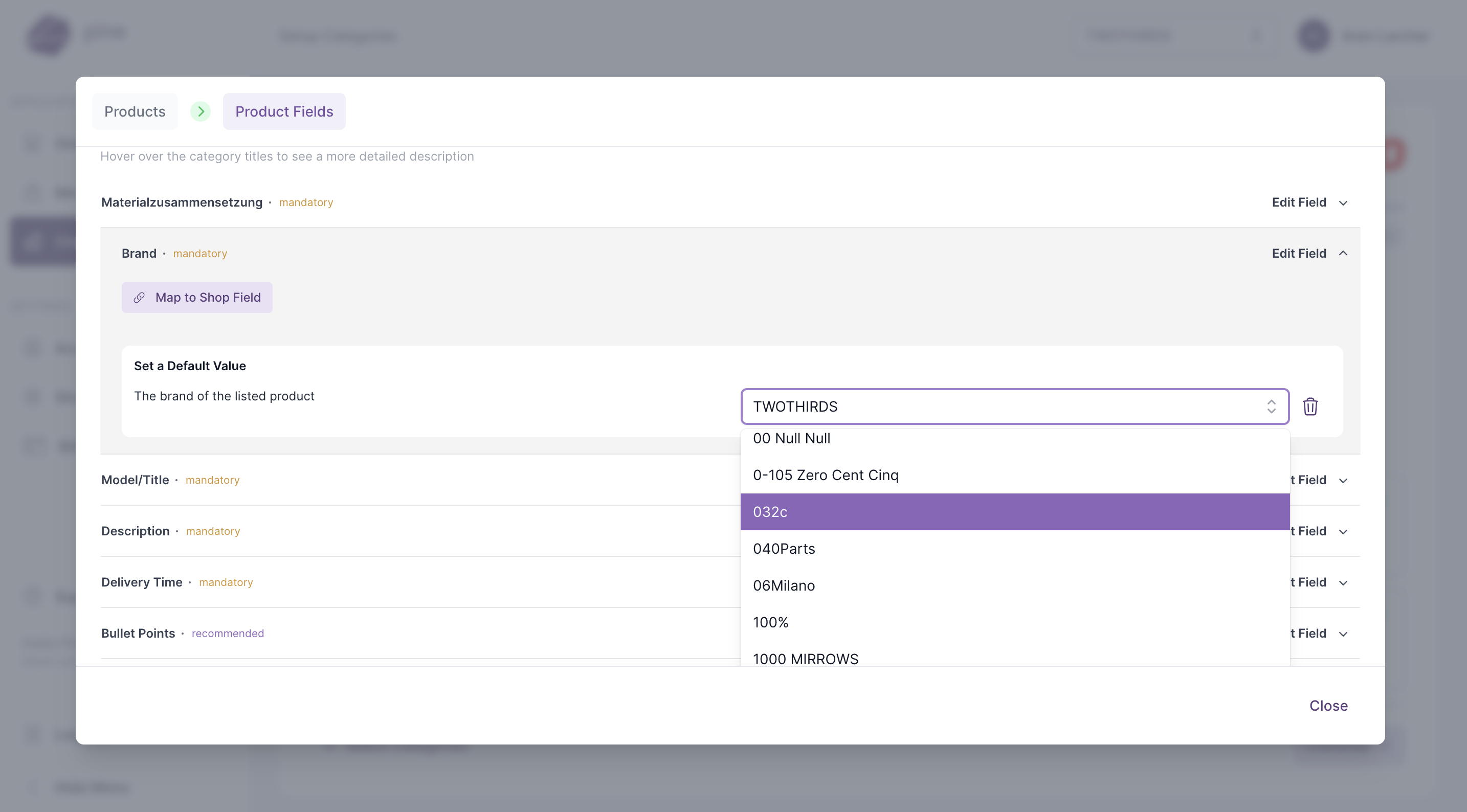
However, if you have many products from different brands you may want to fill out the brand via a meta field. This can only be done when the meta field contains the numeric code of Otto.
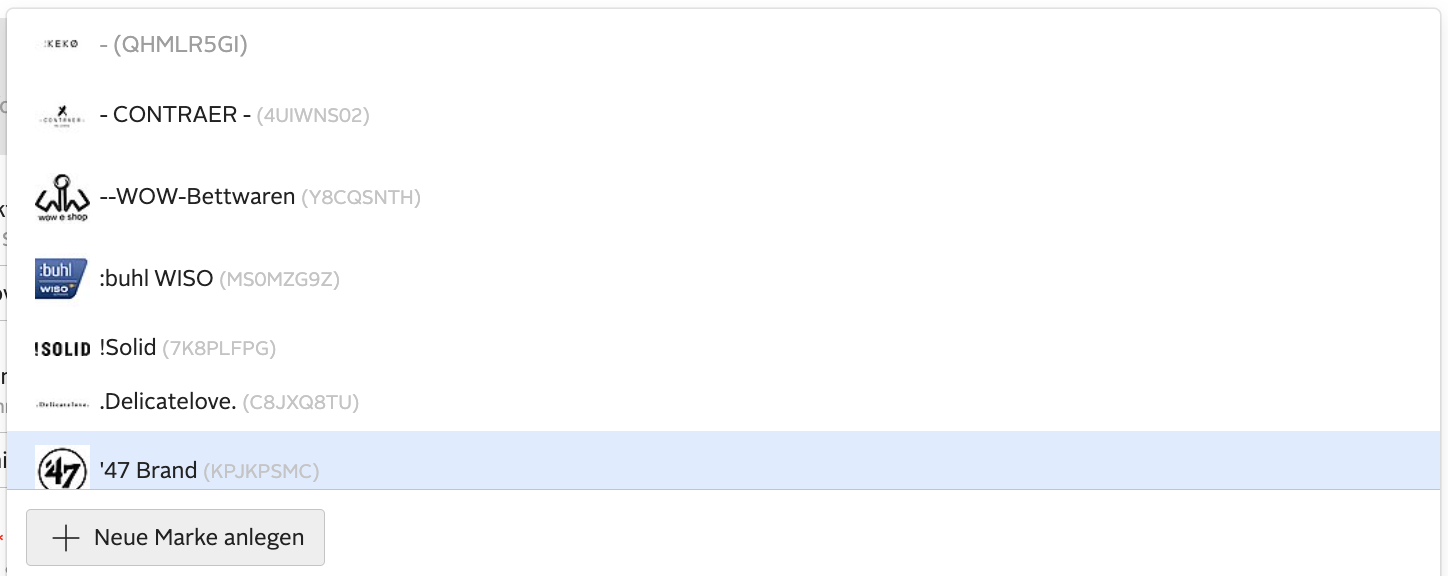
You can find out the numeric code in the Otto portal by clicking on one of your products and selecting "Marke" in "Basisdaten". On the right next to the brand name you will find the code that needs now to be entered in the meta field.